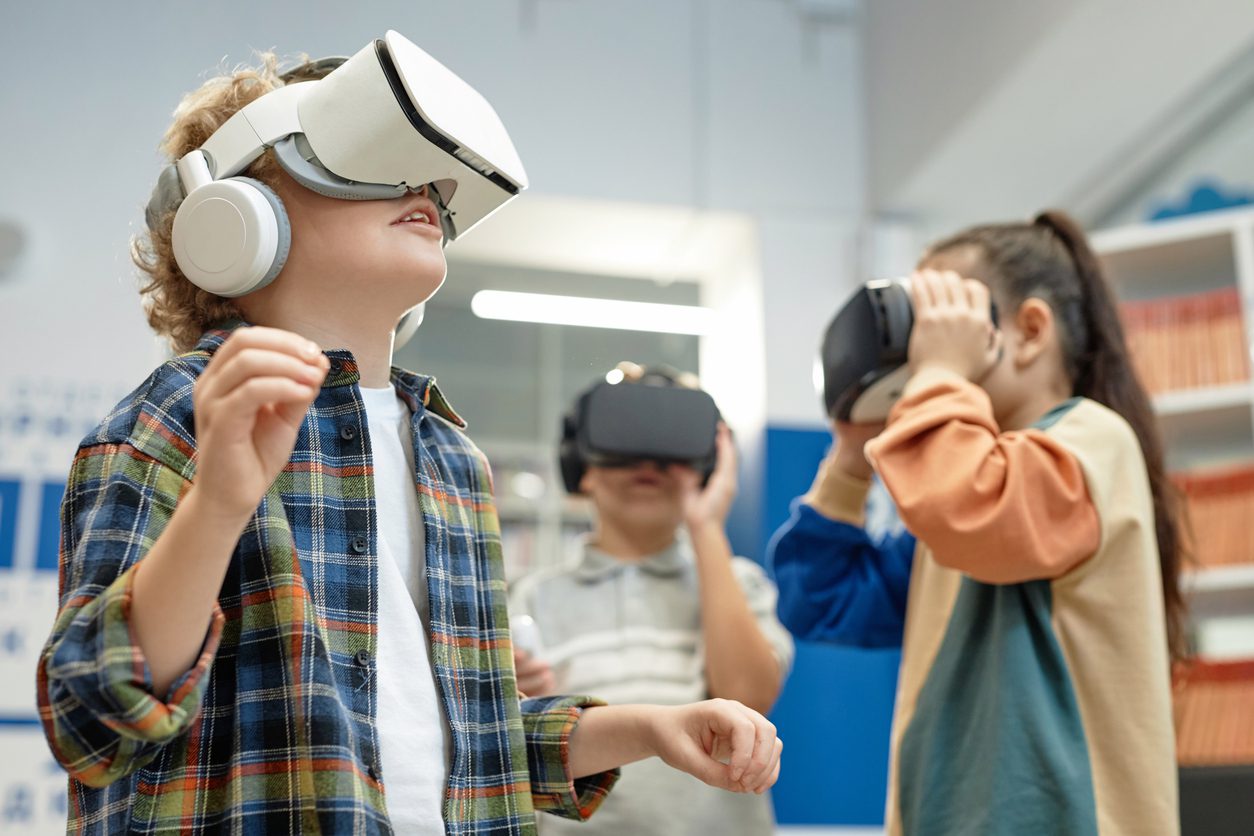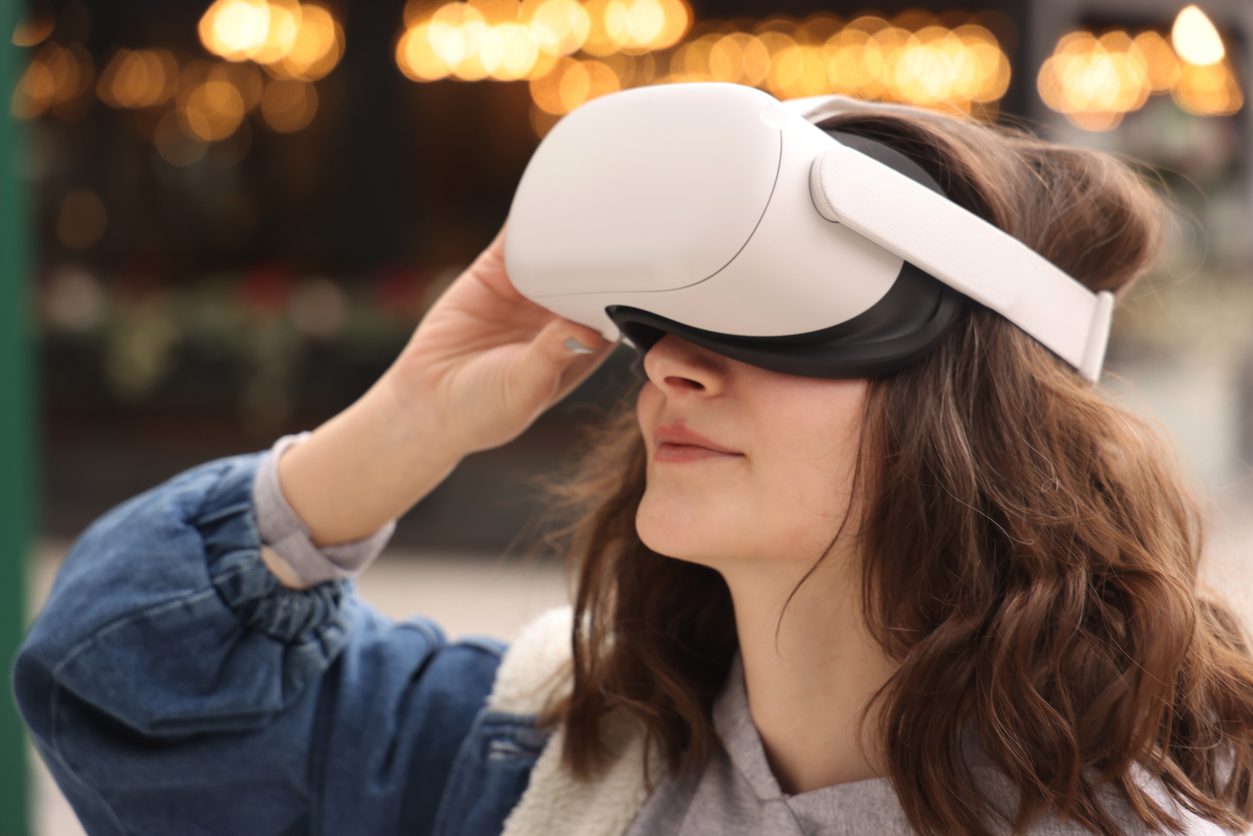

Virtual reality brings learning to life, but no school wants VR to become “one more thing” on a teacher’s plate. The good news is that with the right routines, you can manage headsets, sanitation, and storage in just a few minutes a day. This guide outlines simple, scalable routines that keep devices clean, classrooms organized, and instructional time uninterrupted.
Why Routines Matter for VR Management
Teachers do not need to be tech experts to use VR effectively. Clear routines ensure your program runs smoothly from day one. When students know where to pick up headsets, how to sanitize them, and how to return them correctly, you save instructional minutes and protect your investment in high quality devices.
Step 1: Establish a Grab and Go Storage Routine
Headsets should be stored in a consistent, central location that students can manage independently.
Best practices for storage:
-
Use shelving or cubbies labeled with numbers that match each headset.
-
Keep headsets unplugged when not in use unless they require charging.
-
Create a simple visual that shows the correct way to place devices on the shelf.
-
Place charging stations together to minimize tangled cords.
-
Keep microfiber cloths, face covers, and wipes in the same area for fast access.
Tip: Many schools assign headset numbers to students. This reduces wear and tear and simplifies troubleshooting.
Step 2: Build a Student Led Sanitation Routine
VR sanitation does not have to be a staff heavy task. With clear instructions, students can complete nearly all cleaning steps in under one minute per device.
A recommended sanitation routine:
-
Students remove their face covers or disposable masks and place them in a designated bin.
-
They wipe the headset with an approved alcohol free wipe.
-
They use a microfiber cloth on the lenses to prevent scratches.
-
Students return the headset to its numbered spot.
To make sanitation even easier:
-
Keep wipes and cloths on a magnetic or wall mounted organizer.
-
Use color coded bins for “clean” and “used” face covers.
-
Post a simple laminated checklist students follow every time.
Step 3: Use Charging Routines That Match Your Schedule
 Every school has its own rhythm, so charging routines should match how often and when VR is used.
Popular options:
-
Charge overnight for classrooms that use VR once per day.
-
Charge during lunch or specials when headsets rotate between classes.
-
Use multi port charging hubs to eliminate outlet crowding.
-
Add a power strip with surge protection to prevent device damage.
Time saving tip: Assign a student job called “Tech Steward.” This student checks that all devices are plugged in before leaving the room.
Step 4: Keep a Quick Troubleshooting Guide Nearby
You can prevent many tech interruptions by making simple fixes easily accessible.
Include basic solutions such as:
-
How to recenter the view
-
How to adjust volume
-
What to do if the screen dims
-
How to check battery level
-
When to flag an issue for the teacher or tech support
Post this guide next to the headset station. Many schools laminate it and hang it with a metal ring for durability.
Step 5: Protect Your Investment With Clear Guidelines
A few upfront expectations greatly reduce repair requests.
Include rules like:
-
Always use two hands when holding the device.
-
Never walk with the headset on.
-
No food or drinks near the VR station.
-
Headsets must be returned to the correct shelf number after every use.
When students understand the “why” behind these rules, compliance increases and breakage declines.
Step 6: Audit the Routine Every Friday
A five minute weekly check keeps everything running smoothly.
Your weekly audit can include:
-
Count the number of face covers remaining.
-
Confirm all headsets are charging correctly.
-
Replace wipes or microfiber cloths as needed.
-
Scan for any damage or missing parts.
-
Clean the storage area to remove dust.
A short, consistent routine saves time and prevents bigger issues.
Making VR Management Simple for Schools
VR should elevate learning, not complicate it. With these routines in place, schools can run an entire VR program with minimal staff time and maximum student independence. Teachers gain back instructional minutes, students learn responsibility, and the technology stays clean and ready for every lesson.
If your school needs help designing a customized VR management routine, Optima provides turnkey guidance, implementation support, and ongoing professional development. We help your team focus on what matters most: meaningful, immersive learning experiences for every student.

Bridgette Hudak